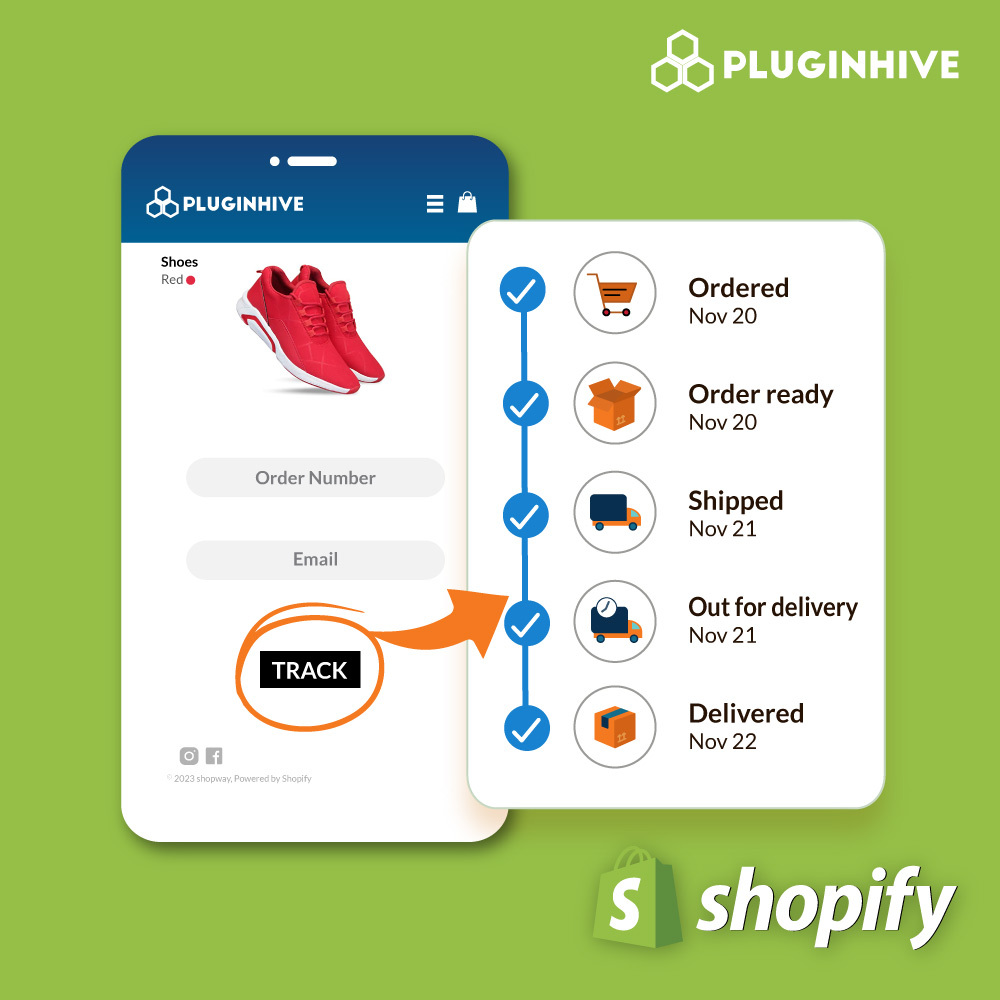
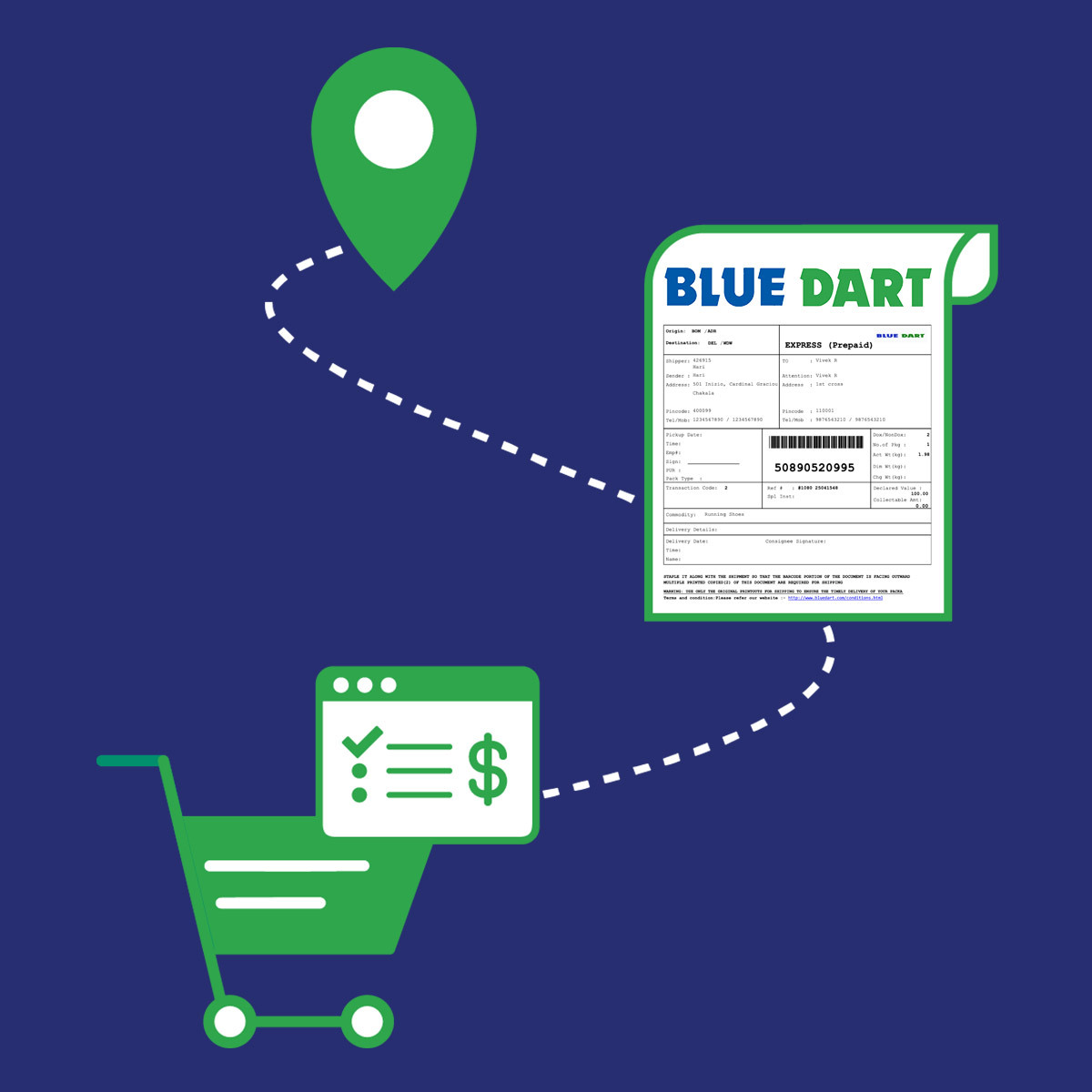
Print Blue Dart shipping labels for Shopify ordersPrinting Blue Dart shipping labels directly from your Shopify store is now possible with just a single click Request Blue Dart Pickups from your Shopify StoreSchedule Blue Dart Pickup for your Shopify orders. Print Manifest and automatically mark the Shopify orders as fulfilled No More “Where’s My Package”Trouble with Blue Dart TrackingAutomatically send Blue Dart tracking status emails to your customers and view the status of all orders under the Tracking dashboardHow to Automate Shopify Blue Dart Shipping?Integrate Blue Dart with Shopify to completely automate the order fulfillment process. Print Blue Dart shipping labels from merchant dashboard, fulfill Shopify orders automatically, Track orders easily from the dashboard and allow your customers to track their orders by sending automated Bluedart tracking emails. Generate and Print Blue Dart Shipping Labels Within ShopifyThe App will automatically import the Shopify orders and process it based on the available Blue Dart shipping services. Now, you can select the orders and generate Blue Dart Labels. You can easily print the Blue Dart shipping label for a particular order, that contains the shipper & recipient address, tracking number and the Blue Dart service selected.Request Blue Dart PickUp and Generate Manifest within ShopifyOnce the Blue Dart Label is generated, select the order for Blue Dart Pickup request. The Blue Dart agent will pick up your order without having to contact them separately. Once the Blue dart Pickup request is scheduled, you can select the order and Mark it as Shipped. This will generate the Manifest, which is a list of shipments that are to be handed over to the Blue Dart agent when they pick up your package. To print the Manifest, head to the Manifest tab and click on the print icon. Hand it over to the Blue Dart agent when they pick up your package. Handle Shopify Blue Dart Shipment Tracking The App automatically updates the Blue Dart tracking number in the Shopify order details and marks the order as fulfilled. The app also sends emails to your customers with the Blue dart tracking details after each delivery status change.Monitoring the status of all your orders is made easy with the Live Tracking Dashboard in the app. You can see the status of all orders once they are shipped. More Features Automate Shopify Blue Dart TrackingThe tracking number for an order is returned from Blue Dart while generating the label. The app also allows you to view the status of all the orders from the Tracking Dashboard within the app. Custom Parcel Packing Process Automatically determine how the products should be packed based on the weight as well as dimensions. This information will be sent to Blue Dart while creating shipments online. Print Blue Dart Return Labels for Your OrdersYou can configure the App to generate Blue Dart Return Labels for your orders. So you don’t need to have an additional app to handle this. Generate & Print Blue Dart COD Labels for Your OrdersYou can configure the app to generate & print Blue Dart shipping labels for your COD orders. Seamlessly handle your Blue Dart COD orders with the app. Automatically mark the Shopify orders as fulfilled The Multi Carrier Shipping Label app automatically marks the Shopify orders as fulfilled and sends the tracking number to customers via email. Enable Insurance for your productsIf you are selling expensive products, the Shopify Multi Carrier Shipping Label app allows you to enable insurance for your products.Supported Blue Dart Shipping Services Blue Dart Surfaceline Dart Plus Ecom TDD 12.00 Ecom TDD 10.30 Ecom eShip Apex Critical Express Apex LITE Dart Apex Apex TDD Domestic Priority Domestic TDD 1200 Domestic TDD 1030 Express Dart SFC Linewhy choose PluginHive Shopify Blue Dart Shipping Solution? 1000 Five Star Customer Reviews 98% Customer Satisfaction Rating for Fast & Excellent Service Best Shopify Shipping Integrations 5 Years of ExistenceSetting Up Shopify Blue Dart Shipping Once installed, the app will automatically configure your Store Location as the Shipping Origin. Head to App Settings -> Carriers -> Blue Dart Configure the Blue Dart account by entering the Account Credentials and enable the Production Key. You can also set additional details like Pickup Time, Company Close Time, Origin Service Area Code, etc. By default, the App will automatically enable all the Blue Dart services that will be used to generate shipping labels. If required, you can choose the preferred Blue Dart services. For more details, you can check out the Shopify Multi Carrier Shipping Label app set up guide by clicking the link below. How to Set Up? Blue Dart Account Integration You need to enter the following details for the App to work. You can get these details from Blue Dart. Blue Dart Customer Code Blue Dart Login ID Blue Dart Password Blue Dart Shipping License Key Blue Dart Tracking License KeyQUESTIONSWant to Consult Us on a Unique Case or Got a Question? Contact us. We will be Quick! Contact Us